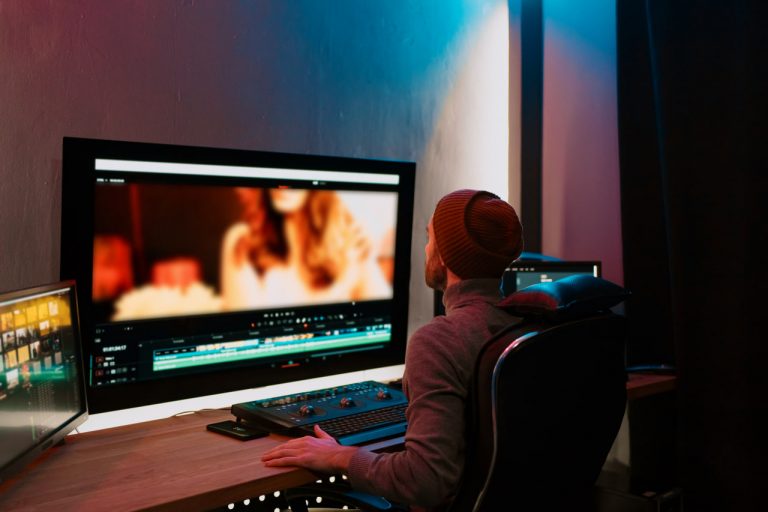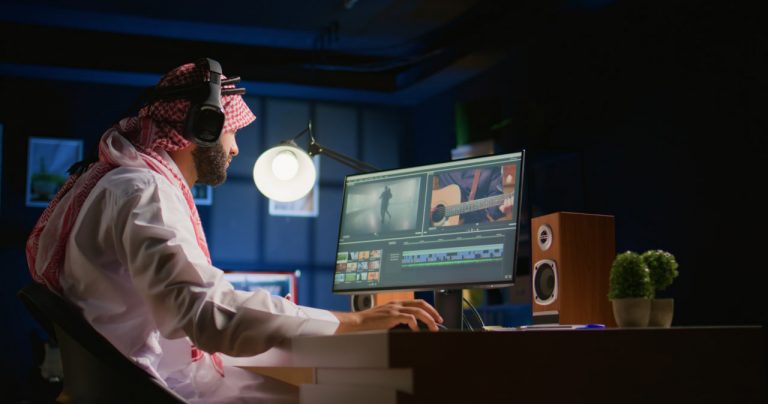
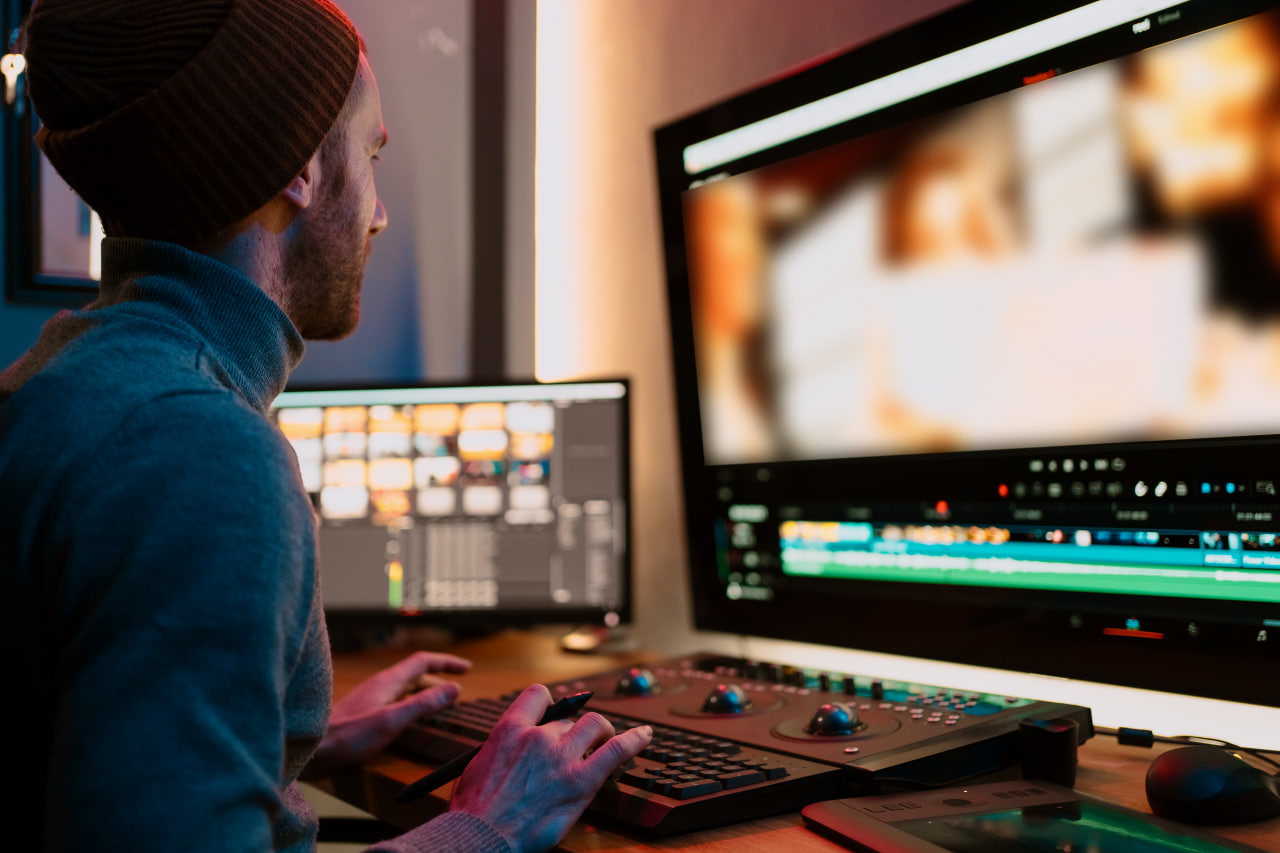
If you’ve just started a YouTube channel, congratulations! That’s the first step, but if you want to retain your audience, it’s time to get serious about video editing. In this post, we’ll show you 7 video editing tips for beginner YouTubers.
- Edit Before You Start Editing
Before you start editing, create an outline. What will the intro be? What will the body of the video be? What will the outro be? Organizing your content beforehand will make the video a lot easier to watch. - Edit Out the Silence
Don’t have any awkward pauses or cuts. Use jump cuts to keep the video moving and the energy high. This will make the video way more enjoyable to watch. - B-Roll and Background Music
Music helps set the tone for your video and keeps people engaged. So pick a song that fits, lower the volume so it’s not so loud that people can’t hear you talking, and make sure the music isn’t blasting over your audio. - Don’t Overdo the Text and Graphics
Titles, subtitles, and pop-up text can help illustrate a point, but having too much can make your video look amateurish. Only use them when you need to. - Pay Attention to Audio
A nice looking shot is cool and all, but if the audio sounds terrible, it’s going to be a pain to watch. Invest in a nice microphone, edit out background noise, and don’t have the background music blasting over your audio. - Color Correction and Grading
Color correction and grading is an advanced editing technique, but even doing the basics will make your video look way more professional. Adjust the brightness, contrast, exposure, and saturation levels to make your video pop. - Watch Tutorials and Keep Practicing
Like with anything in life, the best way to get better at video editing is to watch tutorials and practice, practice, practice. Watch tutorials on YouTube, practice different techniques, and study other YouTubers and analyze their videos. What makes them good? What do you like about them?